

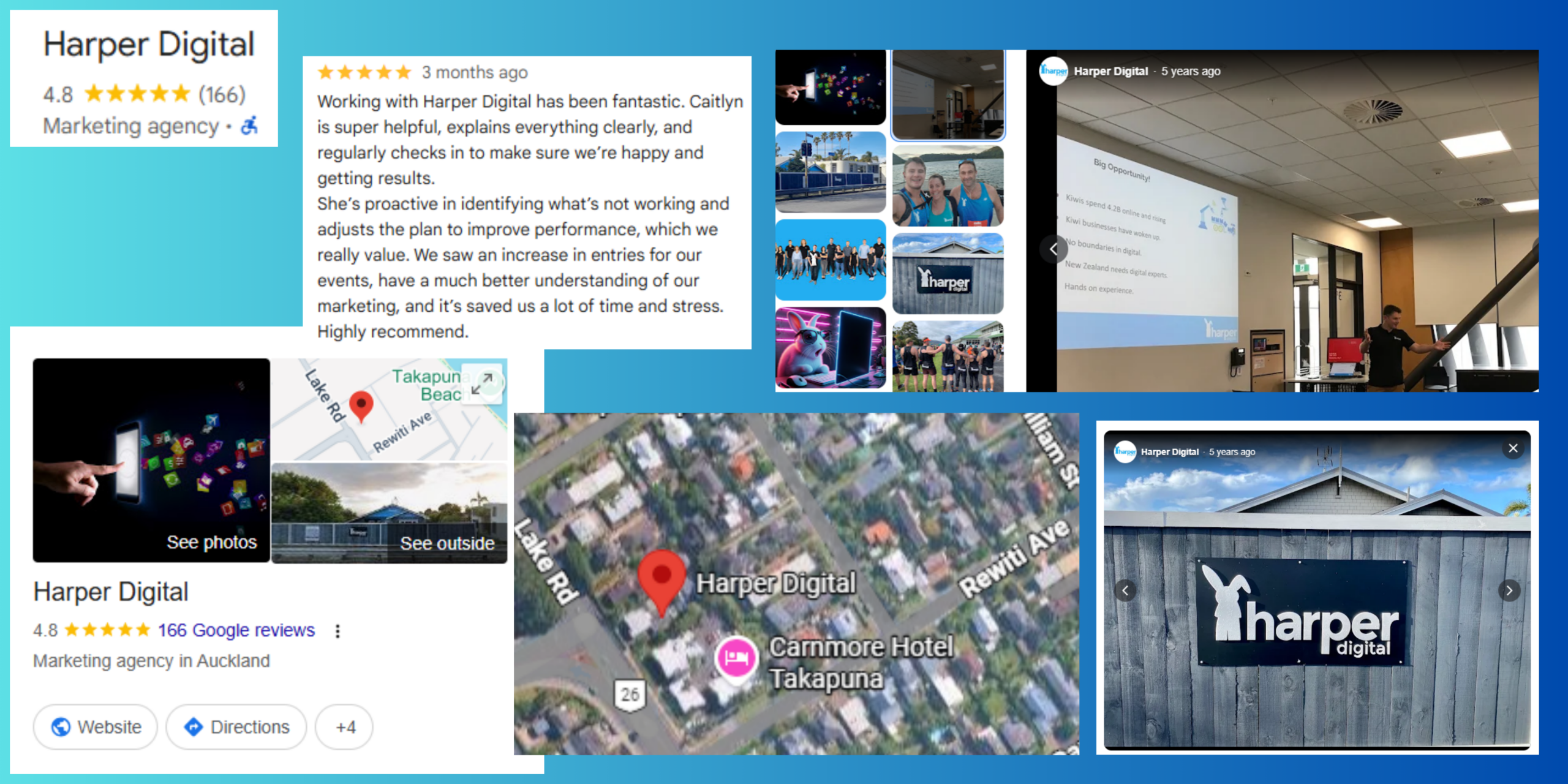
Key takeaways:
- NZ consumers still prefer local shopping – making a case for a stronger local online presence.
- Key aspects to improve your local visibility by understanding Google’s algorithm: Relevance/Distance/Prominence and how to use them to your advantage.
- Key steps to optimise your Google Business Profile (GBP).
Your local online presence still matters in the New Zealand market
According to an article on NZ post business’s eCommerce insights, while consumers made more frequent purchases overall last year, they spent significantly more per transaction when buying locally. Kiwi retailers are also leaning more into local trust, quality, services and convenience.
Another article by Newstalk ZB discusses that 77% of surveyed Kiwis have a strong preference for in-person shopping, while 40% emphasised the importance of supporting neighbourhood shops and local businesses.
These figures show that the purchasing behaviour at local businesses in New Zealand is promising. The question is whether your business is visible when local customers search.
Google Business Profile: Your Foundation for Boosting Your Local Presence
Google Business Profile is a free tool that powers your visibility in the local pack, Google Maps and knowledge panels in Google Search. It is one of the most important listings for any local business owner. Businesses with complete profiles are 70% more likely to attract visits than those with missing information.
How Google handles local search: Relevance, Distance and Prominence
Relevance
Google measures how well your business profile matches what the users are searching for. For instance, if someone types ‘dentist Takapuna,’ it’ll help by being specific in your description and a verified address will help Google understand the relevance of your business to the keywords used by a potential customer.
Distance
For this parameter, Google takes into consideration how close your verified address is to the person searching. If a person in Parnell searches for ‘coffees near me’ Google will prioritise showing cafes that are within closer proximity before showing cafes further away
Prominence
This reflects how well-known and trusted your business appears online. This includes the volume and quality of online reviews from customers.
Optimising your Google Business Profile
Here is what to do to ensure your GBP is up to date and to assist Google scrape all the right information about your business.
Choose the right categories
Your primary business category should be the most specific option available. A sports physiotherapist should select ‘Physiotherapist’ rather than ‘Health Service.’
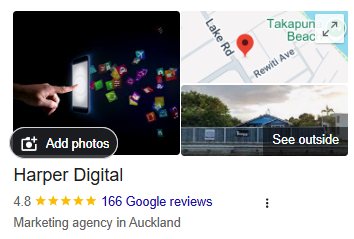
The image above shows Harper Digital’s primary category i.e Marketing Agency.
Set your address or service area accurately
If you have a shopfront, enter the full street address. If you are a service-area business (mobile mechanic, house painter), specify the suburbs and regions you cover to help Google look you up during local search queries.
It is important to be mindful not to use any address that may only be a physical mailing address and doesn’t operate from that location or is just a virtual office.
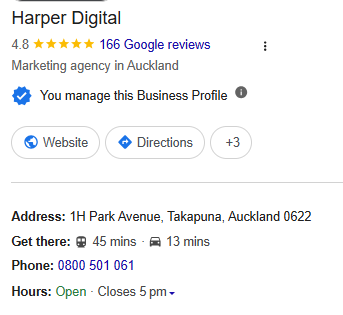
The above image is an example of Harper Digital’s full physical address as it attends to clients at this address.
Update opening hours, including NZ public holidays
Set your regular weekly hours. Then use the special hours feature for Waitangi Day, ANZAC Day, Matariki, Labour Day and regional anniversary days.
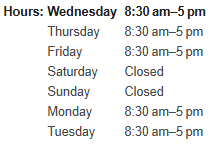
The image above is an example of Harper Digital’s operating hours during the week
Keep Products and Services current
Add specific offerings with descriptions and price ranges where possible. ‘Heat pump installation; Auckland-wide; from $3,500’ gives Google more relevant data than a blank services section.
Upload quality photos and videos
Include images of your premises, team, completed work, and products. Listings with real visuals of the business, such as products, and a glimpse of behind-the-scenes activities add more value than those with outdated or stock imagery.
Publish posts regularly
Regular posts on your GBP can boost visibility in local search results. Use posts to announce local events, seasonal offers (‘winter tyre specials in Queenstown’), or other helpful updates.
Use Reviews to Build Trust and Boost Prominence
This bit needs a section in itself for the value it brings to any business that can put in the work to optimise their reviews. Research shows 98% of customers read reviews before making a purchase, so it is no surprise that Google pays special attention to what customers of a business have to say.
How to ask for reviews (compliantly)
Send a short SMS or email after completing a job with your direct GBP review link. Keep the request simple: “Thanks for choosing us. If you have a moment, a Google review helps other (suburb) locals find us.” For an easy process of setting this up see our write-up on how to get more Google reviews.
Responding to reviews
- Thank positive reviewers with personalised replies that mention the service or suburb (‘Glad the deck build in Titirangi turned out well for you’)
- Address negative reviews respectfully: acknowledge the issue, propose a resolution, and take the conversation offline if needed
- Responding to reviews builds trust with both the reviewer and future customers reading the thread
Volume and recency matter
Ten new reviews over the past three months carry more weight than a single five-star review from 2021. Consistent customer feedback signals to Google that your business is active and relevant.
Reviews that naturally mention local area details (‘blocked drain in Howick,’ ‘great coffee in Ponsonby’) reinforce your relevance for those local searches.
Verify your business
It is important to verify your business so that Google can be assured that your business is real and owned by you.
The verification process itself can be done in a few simple steps:
Log in > Select profile > Click get verified > Choose the available options to be verified (Email/Phone/Postcard by Mail/Video)
If you are new to this, Google‘s support tips are a great starting point or you could reach out to our team – we provide recommendations to optimise your GBP so that you can appear more promptly in front of your next customer in your neighbourhood searching for a product or service that you offer. Get in touch with us.